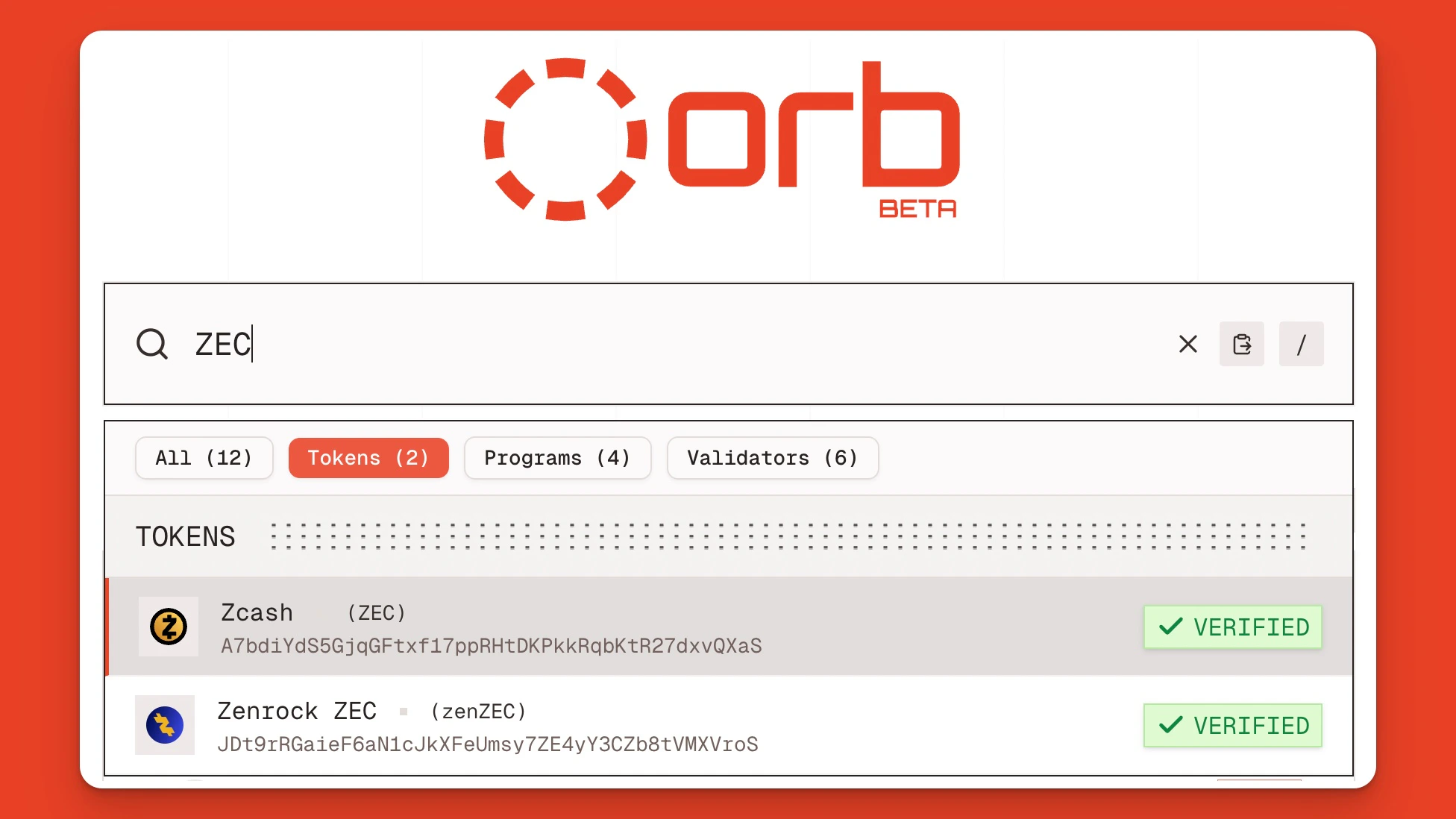
Learn how to use the Orb block explorer to discover, research, and swap any Solana coin with low fees and fast confirmation times.
Block explorers like Orb are great tools for finding top Solana coins, researching projects, and deciding whether to buy or sell tokens.To make this process even easier, we’ve added a “Buy” button to every Solana token page indexed on the Orb explorer. All you need to do is connect your wallet and click “Buy” to swap into or out of any SPL token on Solana.This tutorial explains how to swap tokens on Solana using Orb, along with keyboard shortcuts for faster research and easier buys.
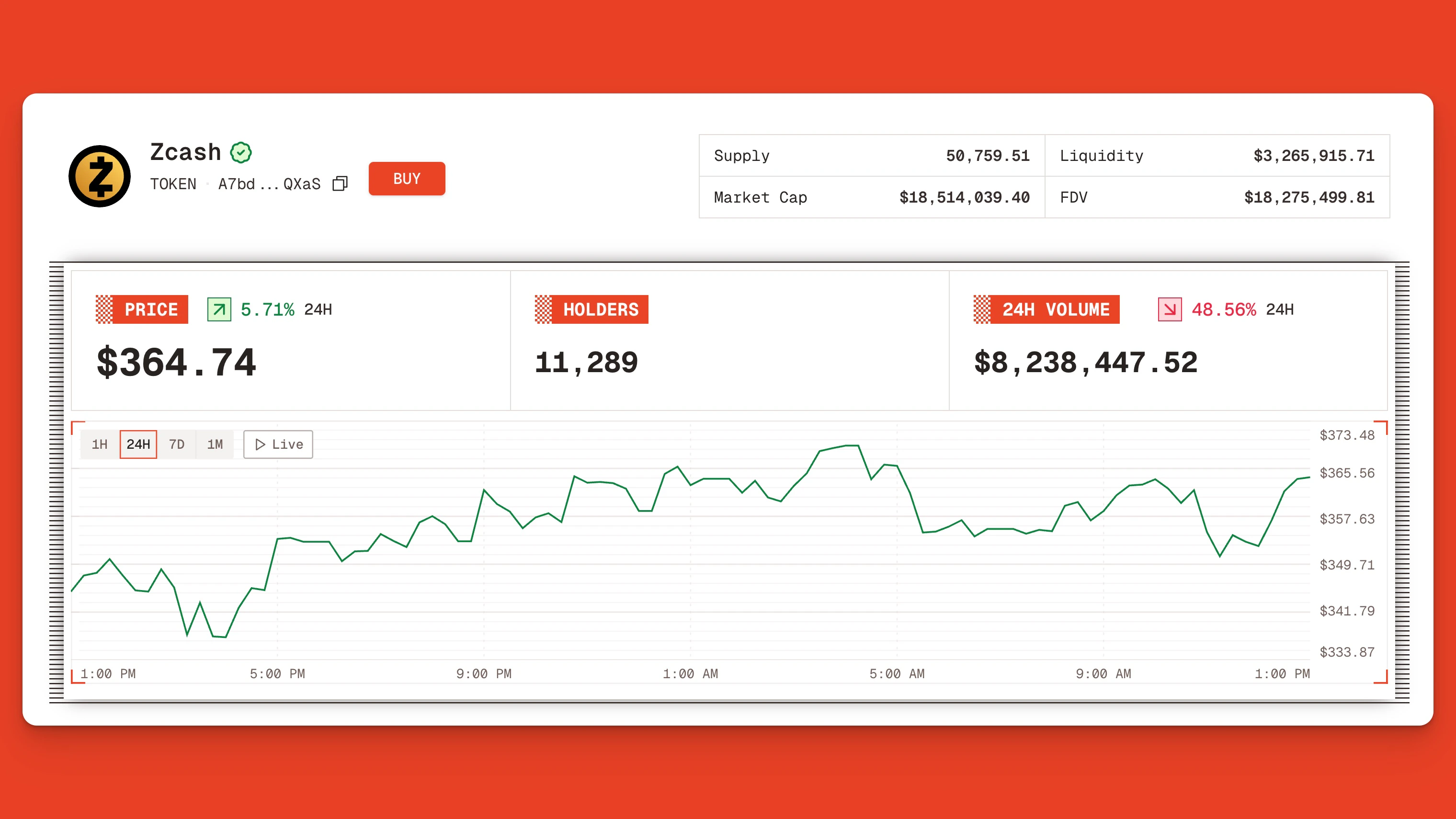
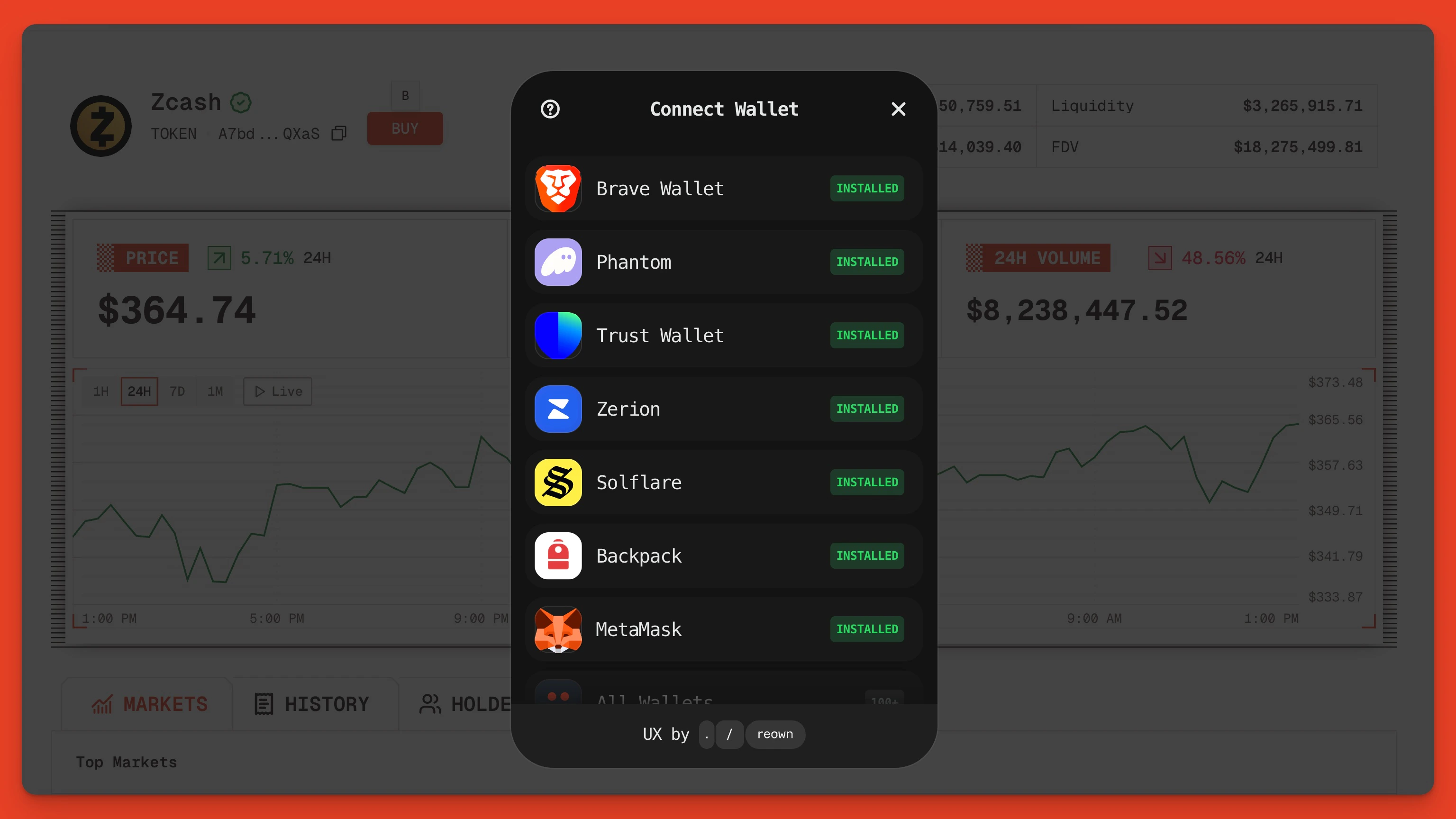
At the top of the page, next to the token’s image and name, click the orange “Buy” button.You will also see key token metrics, including supply, market cap, liquidity, fully diluted value (FDV), current price, holders (on Solana), and 24-hour volume.
Solana token page on the Orb explorer with the “Buy” button highlighted
For this example, we’ll swap SOL for ZEC (Zcash) on Solana.
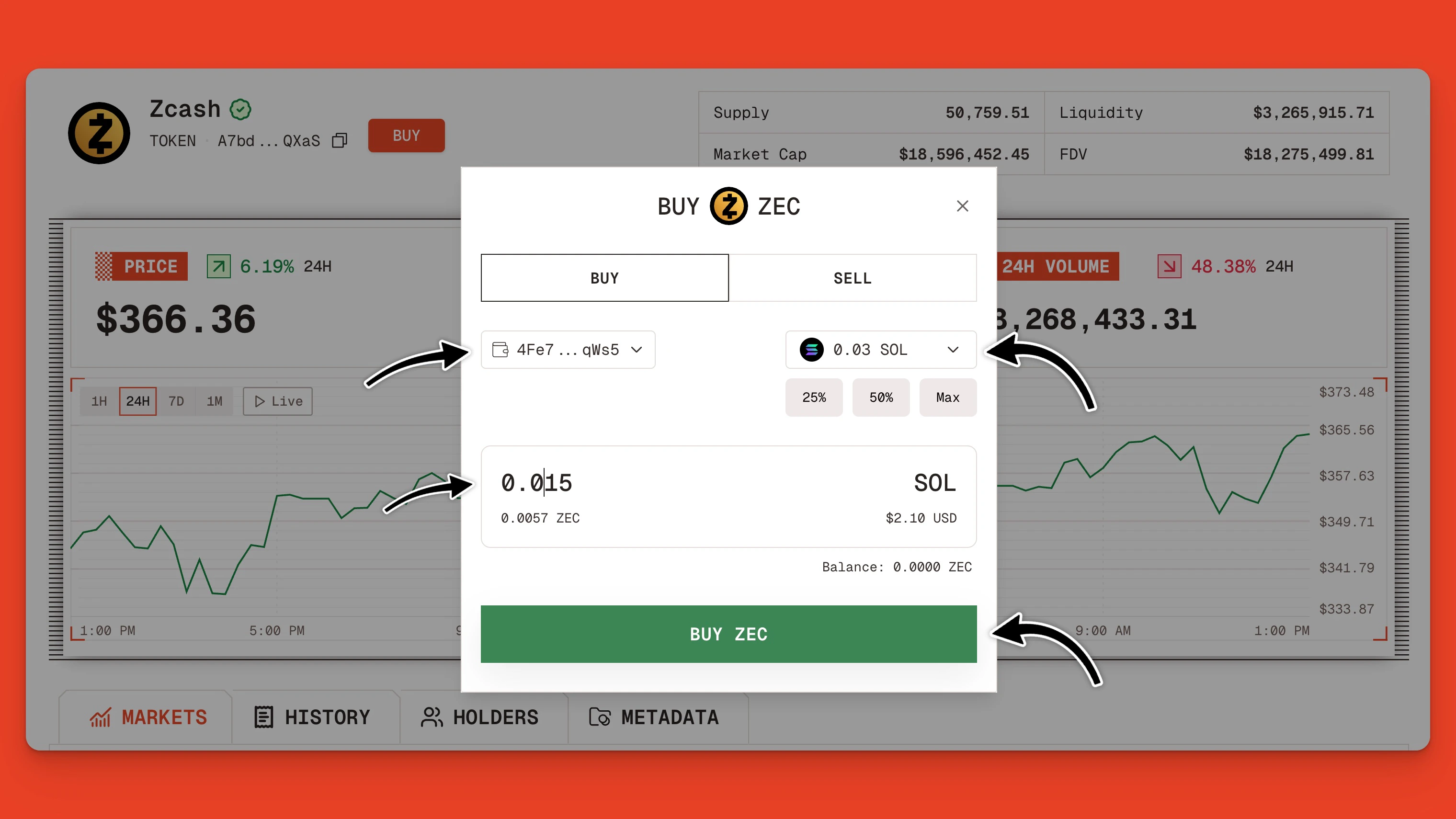
Orb swap widget indicating a 0.015 SOL swap for ZEC
This swap widget UI lets you choose the asset and amount you want to buy/sell. Once you click “Buy ZEC,” your wallet will display a confirmation message.
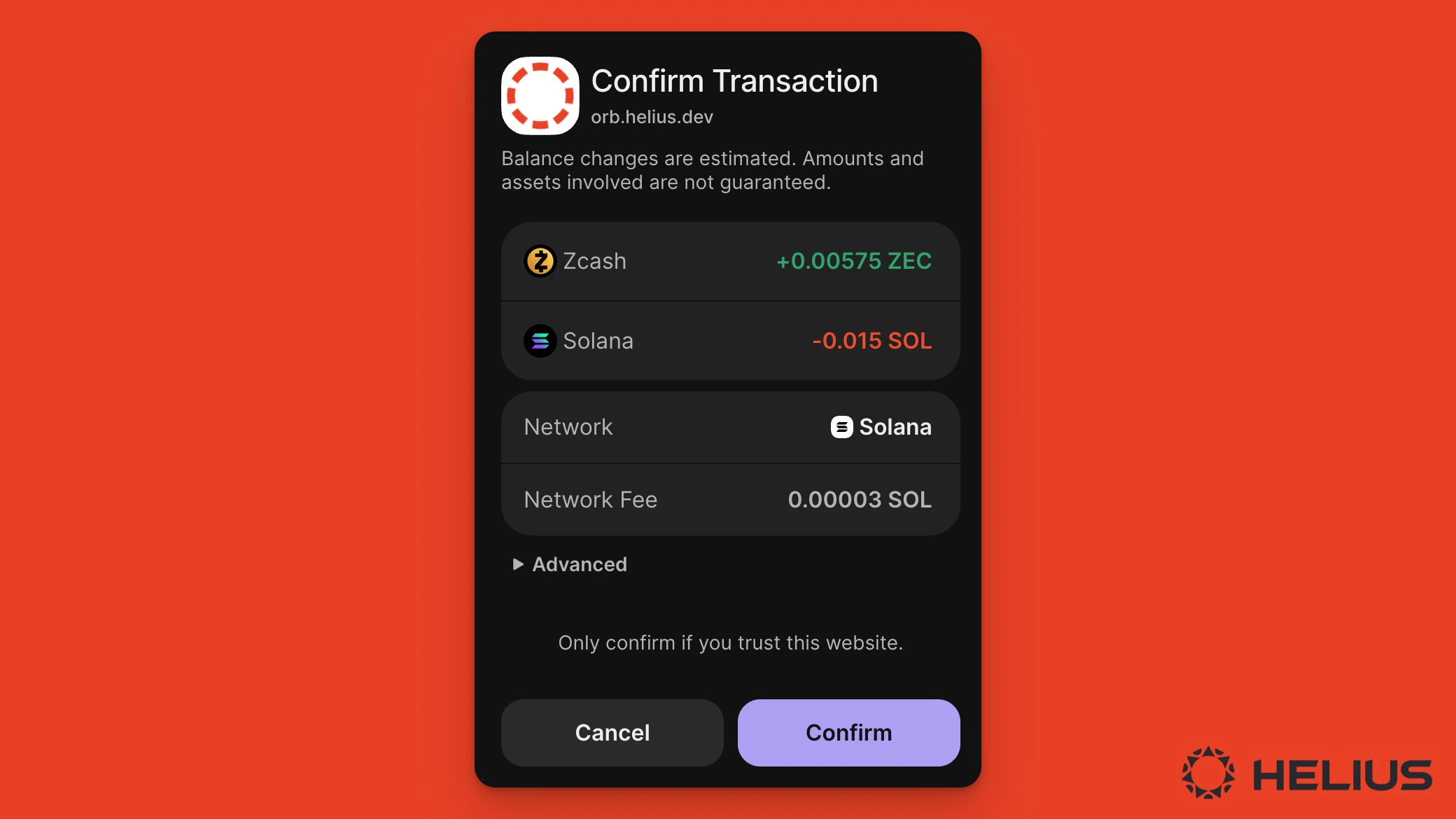
Phantom swap confirmation message for trading on Orb
Once you click confirm, your trade will be routed through DFlow’s meta aggregator or Jupiter. DFlow’s intelligent transaction execution stack offers traders the best prices and tightest spreads.
A 0.1% swap fee is applied to all swaps made through the Orb UI.
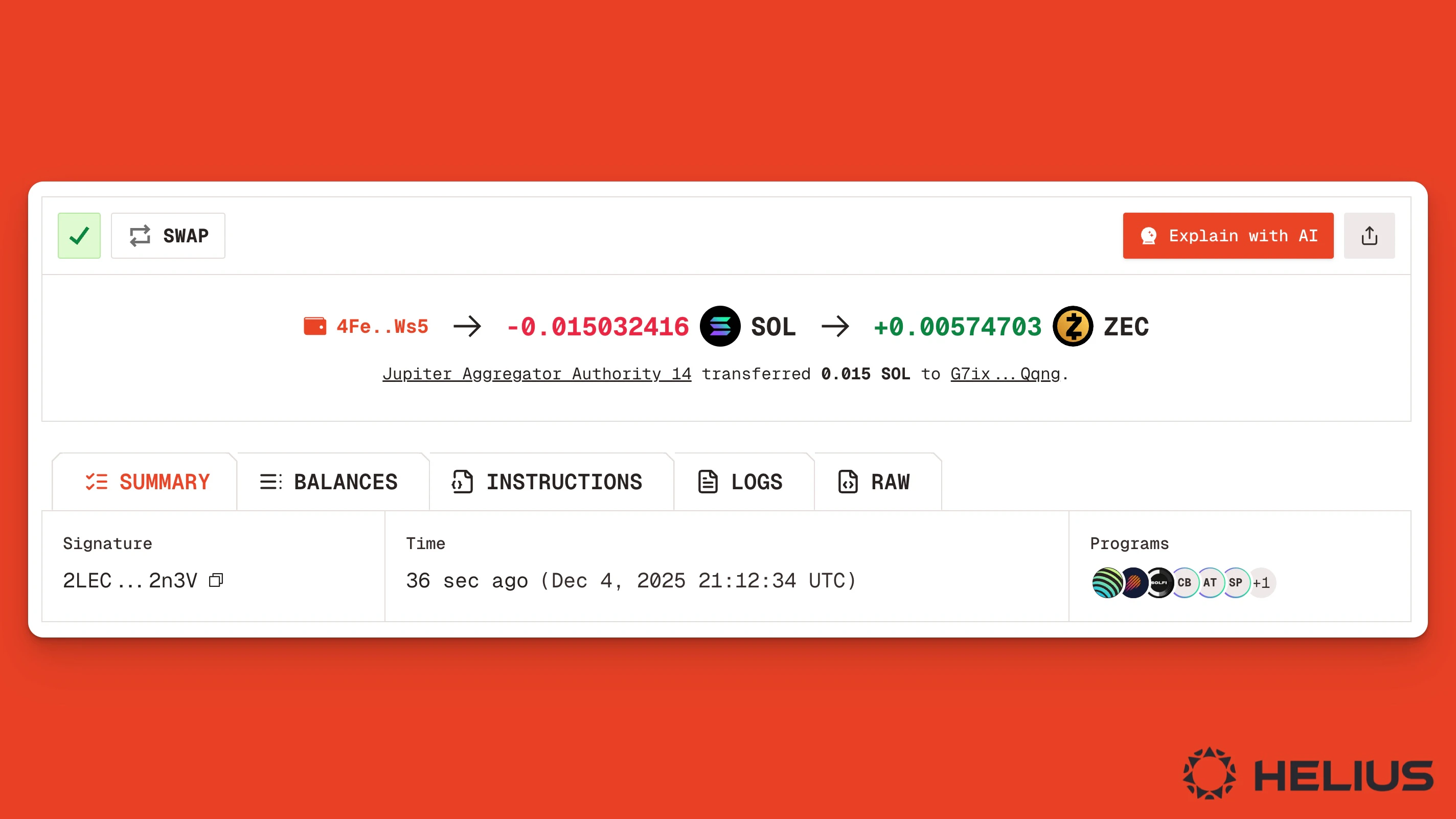
Once the swap is completed, you’ll see a swap confirmation message and a link to view the transaction details. Click this link to see a summary of your trade.
Swap transaction summary page on the Orb explorer
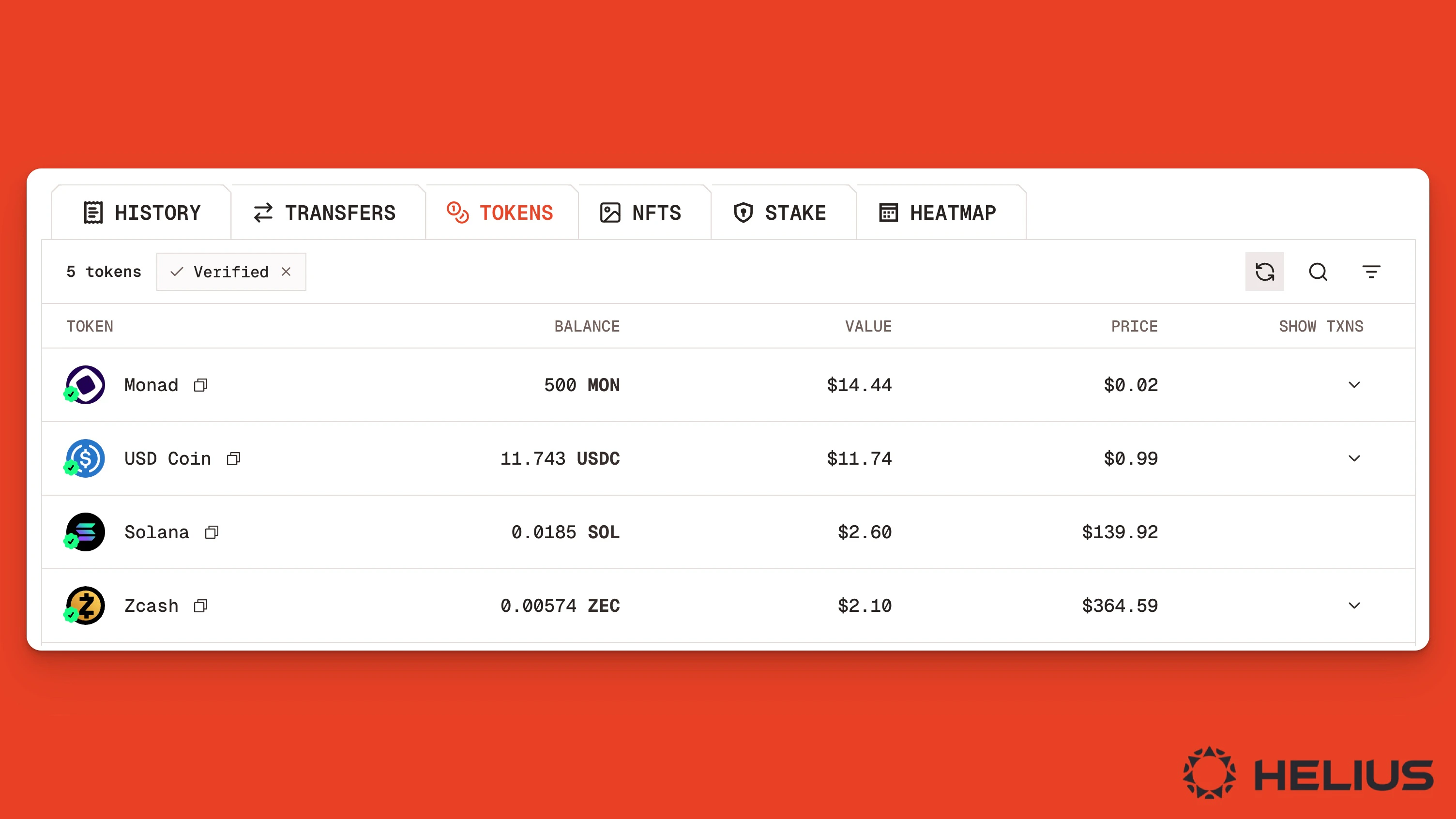
That’s it! You’ve successfully swapped Solana for ZEC on Orb.To view your wallet balances, go to your wallet page on Orb and click the Tokens tab.
Discovering, researching, and buying tokens on Solana doesn’t need to be a complicated process involving multiple different websites and research tools.The Orb block explorer provides everything investors need to find, analyze, and buy crypto.For more information, read our other guides on: